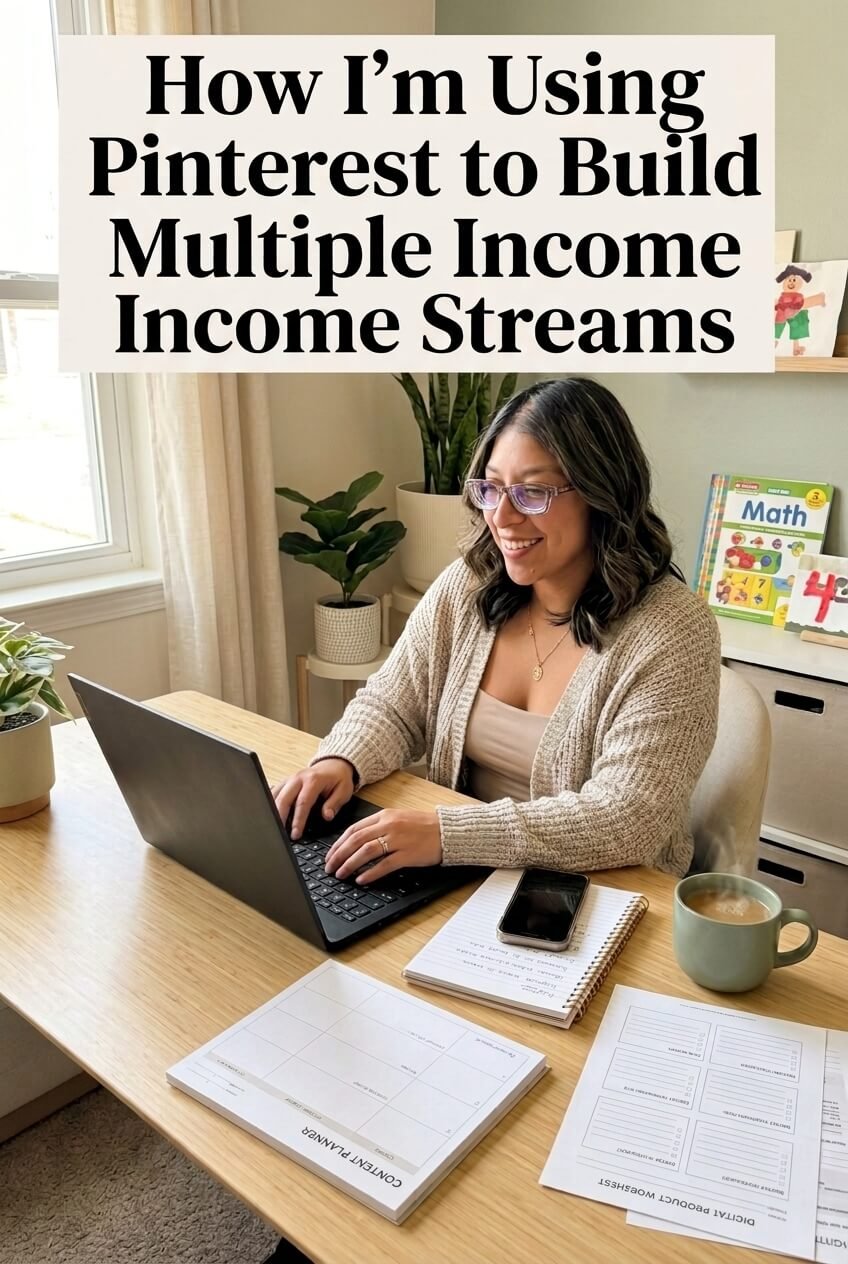
Building multiple income streams has become an important part of my journey as a busy homeschool mom. After years of using Pinterest, I've learned how powerful it can be when you use it strategically, not just to get views, but to drive traffic, grow your business, and create real opportunities.
Today, I'm using Pinterest to support several parts of my business, from affiliate marketing and digital products to my Spanish course and YouTube channel. It has taken time to figure out what works, but over the last six months, I've seen consistent growth, and I'm still learning and tweaking along the way. 💛
1. Pinterest Wasn't an Overnight Success
I've been using Pinterest for years, but I'll be honest, it took me a while to understand how to actually use it for business.
When I first became interested in starting a virtual interior design business, Pinterest was one of the platforms I turned to. It ended up helping me land my first client, and that was the moment I realized Pinterest could be more than a place to save pretty images and home decor inspiration.
It could actually help me create business opportunities.
But getting results didn't happen overnight. It took time to understand:
What people were actually searching for
How Pinterest keywords work
What types of Pins perform well
How important consistency is
How to optimize my profile for the right audience
What was working and what wasn't working for my own account
Over time, I started paying closer attention to my Pinterest analytics and experimenting with my content. I would make changes, see what happened, and then tweak my strategy again.
That experience completely changed how I use Pinterest today.
I'm no longer using Pinterest for just one business idea. I'm using it as a tool to help me build multiple income streams while creating a business that fits into my life as a busy homeschool mom.
2. How I'm Using Pinterest to Build Multiple Income Streams
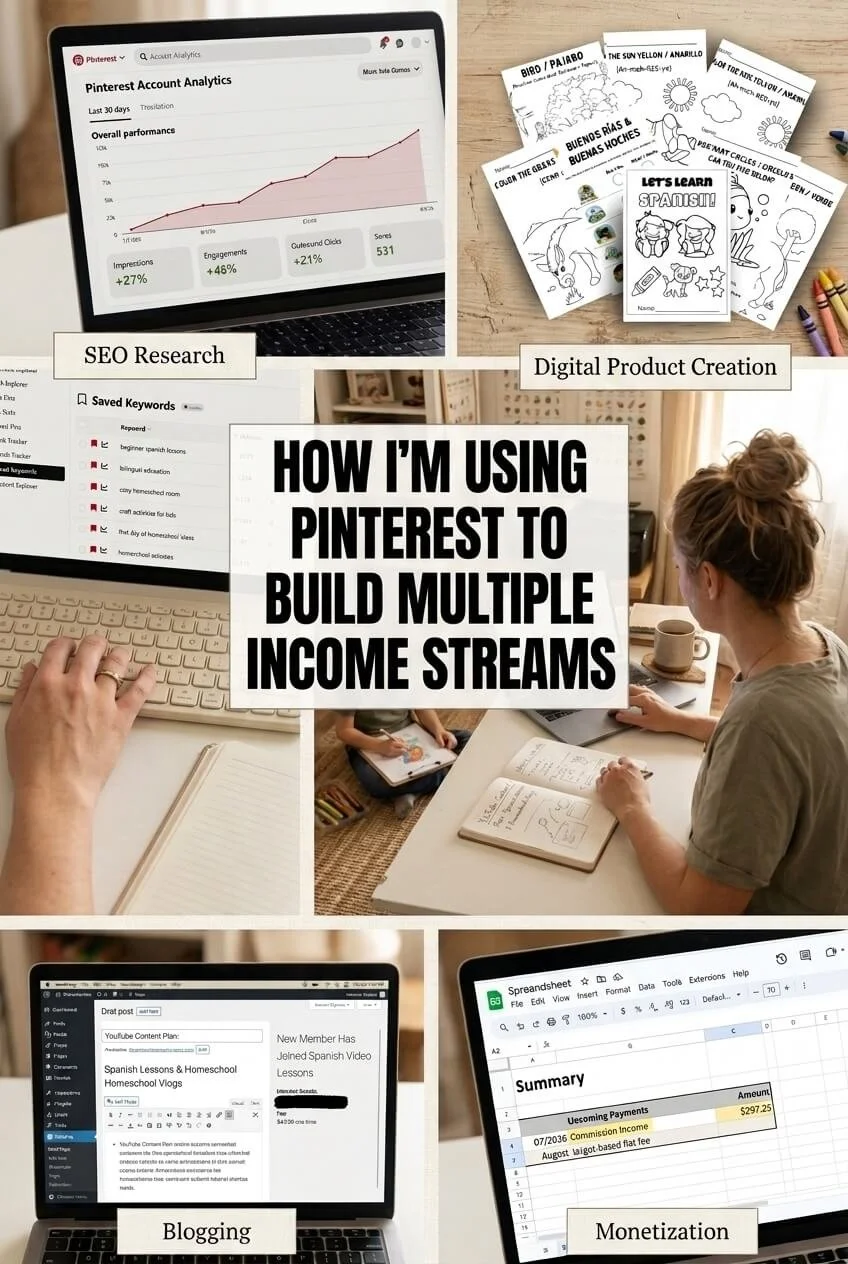
Today, Pinterest has become one of the main tools I use to get people from Pinterest to the different parts of my business. I'm not relying on it to make money in just one way. Instead, I'm using Pinterest to create traffic and visibility for several different income streams.
Here's what I'm currently using Pinterest for:
Affiliate marketing: Pinterest drives traffic to my blog posts, where I share products and resources through affiliate links. I've been especially happy to see consistent growth in my Amazon affiliate sales month after month.
Spanish worksheets: I create Spanish learning resources for kids, and Pinterest helps me get those products in front of moms who are looking for Spanish activities and worksheets.
My online Spanish course: I'm also using Pinterest to introduce parents to my online Spanish course and help them discover a simple way to bring Spanish into their children's everyday learning.
YouTube: Pinterest also gives me another way to drive traffic to my YouTube videos. Instead of depending on one platform to find my content, I can use Pinterest to send people to my videos from another source.
Pinterest services: As I've learned more about Pinterest, I've also started offering Pinterest services, including profile audits for business owners who want help understanding what they should change or focus on.
Why I Like This Strategy
The biggest thing I've learned is that one piece of content doesn't have to have just one purpose.
A blog post can:
Bring traffic from Pinterest
Generate affiliate commissions
Introduce someone to one of my digital products
Build my email list
Lead someone to my YouTube channel
Create an opportunity for a future customer
That's what makes Pinterest so valuable to me. I'm not just trying to get more views. I'm trying to create a system where the traffic Pinterest sends me can support different parts of my business.
As a busy homeschool mom, I really like the idea of creating content that can continue working for me instead of constantly having to create something completely new.
3. Your Pinterest Profile Needs to Be Optimized
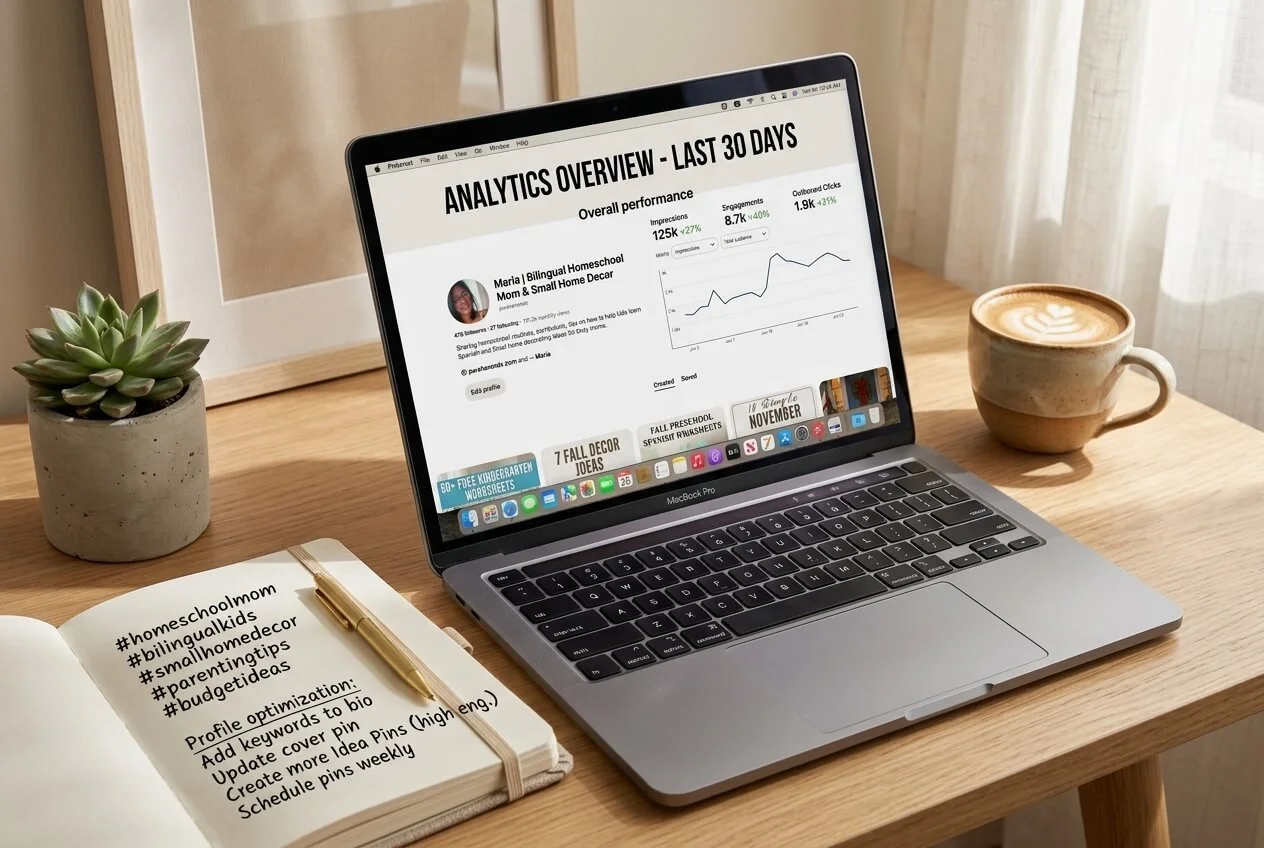
One of the biggest things I've learned from using Pinterest is that your profile matters. You can create beautiful Pins, but if your profile isn't optimized for the right audience, you may be making it harder for Pinterest to understand your content and harder for the right people to find you.
Before focusing on how many Pins you're creating, make sure your profile clearly communicates what you do, who you help, and what people can expect to find from you.
Here are a few areas I pay close attention to:
Your profile name: Don't rely only on your personal or business name. Use keywords that clearly describe your niche and what you offer.
Your bio: Your bio should speak directly to a specific audience. Tell people what you help them with and what they can expect to find when they follow or visit your profile.
Your boards: Your board names should use strong, relevant SEO keywords that describe the content you're saving and creating.
Your overall profile: Your profile should feel cohesive. Someone should be able to land on your account and quickly understand what your business is about.
Want Help Optimizing Your Profile?
I created a free Pinterest Profile Optimization Guide to help you work through the basics of optimizing your Pinterest account.
Inside, you can focus on things like:
Choosing a more niche-specific profile name
Writing a bio that speaks to your ideal audience
Creating SEO-friendly boards
Making your profile easier for your audience to understand
👉 Grab my FREE Pinterest Profile Optimization Guide here.
Optimizing your profile is one of those things that can feel small, but it can make a big difference in how clearly you're communicating with both Pinterest and the people you're trying to reach.
4. Consistency Is Key on Pinterest
One of the biggest changes I've made over the last six months is simply staying consistent. I didn't see the growth I'm seeing now by posting for a few weeks and then disappearing. I kept showing up, paying attention to my results, and making adjustments along the way.
When you're just getting started, I recommend creating a consistent Pinterest routine. For me, that means focusing on:
Posting consistently: In the beginning, try posting around 1–3 Pins a day so you're consistently putting new content in front of your audience.
Repinning high-performing Pins: When I see a Pin performing well, I don't just ignore it. Repinning strong content to relevant boards can help keep that content circulating.
Staying active as a Pinterest user: Don't only think of yourself as a content creator. Spend time on Pinterest as a user, too. Search for content, save relevant Pins, explore your niche, and pay attention to what catches your attention.
Paying attention to what's working: I regularly look at my account and ask myself what's getting clicks, saves, and engagement and what isn't.
Tweaking my strategy: Pinterest isn't a set-it-and-forget-it platform for me. I continue to adjust my profile, content, keywords, and strategy based on what I'm seeing.
You Don't Have to Do Everything at Once
As a busy homeschool mom, I know how easy it is to feel like you need to be everywhere and do everything.
You don't.
The goal is to create a Pinterest routine that you can actually maintain. Consistency over time is much more valuable than going all-in for two weeks and then disappearing for two months.
I've been consistent for the last six months, and that consistency has helped me see so much growth in my account. I'm still learning, but now I have data and experience to help me make better decisions about what I create and what I focus on.
5. Your Pins Need to Grab Attention
Once your profile is optimized and you're consistently creating content, the next thing I've learned is that your Pin design and messaging matter.
Pinterest is a visual platform, so your Pin needs to catch someone's attention while they're scrolling. But a beautiful image isn't enough. Your Pin also needs to clearly communicate why someone should click.
Here are a few things I focus on when creating my Pins:
Use contrast: Your text should be easy to read and stand out from the background. Don't make someone work to figure out what your Pin is about.
Keep your message clear: Your text overlay should quickly tell people what they'll find when they click.
Use strong SEO keywords: I include relevant keywords in my Pin text overlay, title, and description so Pinterest can better understand what my content is about.
Speak to a specific audience: Instead of using generic messaging, think about who you're trying to reach. A Pin that speaks directly to a specific person is more likely to catch their attention.
Create curiosity: Your Pin should give people enough information to understand the value of your content, but still leave them wanting to know more.
Your Pin Should Make People Want to Click
This is something I think about every time I create a Pin:
What would make someone stop scrolling and say, "I want to know more"?
For example, instead of simply putting "Christmas Decorating Ideas" on a Pin, you could make the message more specific:
"15 Easy Outdoor Christmas Decorating Ideas under $50"
"Small Porch Christmas Ideas That Actually Work"
"How to Create a Cozy Christmas Entrance"
The goal isn't to trick someone into clicking. It's to create a clear promise of what's waiting for them on the other side of the Pin.
Most of my Pins are created in Canva, but I also use Ideogram from time to time when I'm struggling with creativity or need help coming up with an image concept. I've experimented with AI-generated Pins and have seen success with them, but I still create most of my Pins myself.
For me, the biggest lesson has been that good Pinterest design and good Pinterest SEO need to work together. A beautiful Pin might get attention, but the right combination of design, keywords, and messaging can help turn that attention into a click.
6. The Tools I Use to Help Me Grow on Pinterest
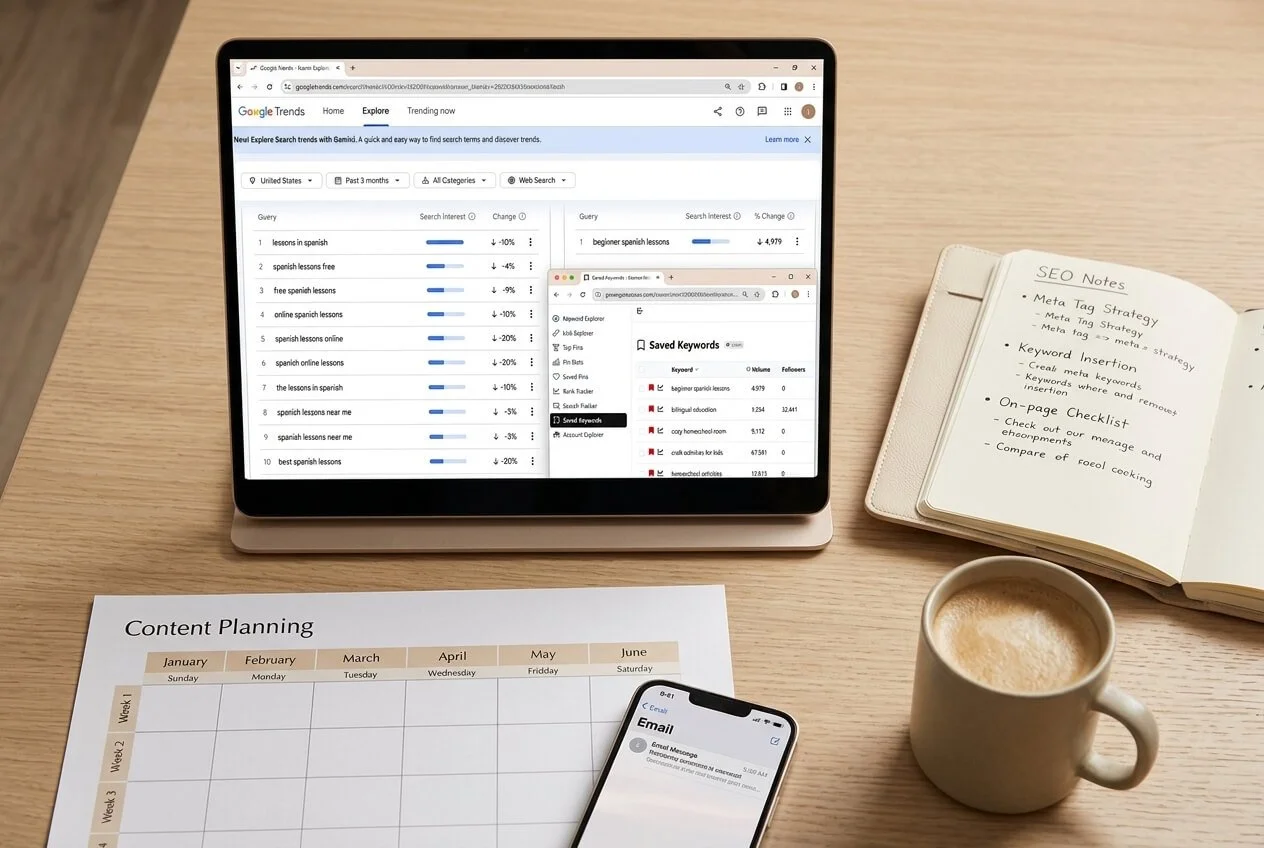
One thing I've learned is that I don't have to guess what to create all the time. There are so many tools that can help you understand what people are searching for, what keywords to target, and what types of content are already getting attention.
I use a combination of free and paid tools, depending on what I'm researching.
🆓 Free Tools I Use
Google Trends is one of my favorite free tools when I'm not sure what to Pin or what to blog about. It allows me to see what people are currently searching for and can help me identify topics that are gaining interest.
I also use Pinterest Trends to get a better idea of what people are searching for directly on Pinterest. This can help me discover topics and keywords that I may want to create content around.
These tools are especially helpful when I'm feeling stuck and thinking:
"What should I create next?"
Instead of randomly choosing a topic, I can do a little research first.
💻 Paid Tools I Use
I also use a few paid tools that have become part of my content creation process:
PinClicks: I use PinClicks to help me understand which keywords I should target in my Pin text overlay, Pin title, and description.
Keysearch: I use Keysearch to research SEO keywords for my blog posts. This helps me find keywords and topics that I can build content around.
Ideogram: I use Ideogram when I need help coming up with AI-generated images for my blog or, occasionally, my Pins. Most of my Pins are still created in Canva, but Ideogram can be helpful when I'm struggling with creativity.
You Don't Need Every Tool
I definitely don't think you need to go out and subscribe to every Pinterest or SEO tool available.
When I was learning, a lot of my growth came from simply using Pinterest consistently, paying attention to my results, and learning what worked for my account.
The tools are there to help me make better decisions, they aren't a replacement for actually creating content and showing up.
Honestly, free tools are what helped me get started and helped me grow my Pinterest account. The paid tools helped me grow quicker and more steadily.
7. What Six Months of Consistency Has Taught Me
Over the last six months, I've seen so much growth on my Pinterest account, and honestly, it's been encouraging to see the work start to pay off.
But one of the biggest things I've learned is that Pinterest isn't something you can just set up once and forget about. I’m constantly looking at my account, testing different ideas, and making small changes based on what's working and what's not.
Here are some of the biggest lessons I've learned:
Consistency matters. Showing up month after month has helped me build momentum instead of constantly starting over.
Pay attention to your data. Your analytics can give you clues about what your audience is actually interested in.
Don't be afraid to tweak your strategy. If something isn't working, change it. Your Pinterest strategy doesn't have to stay the same forever.
Keep learning. Pinterest continues to change, and I'm still learning new things about keywords, content, trends, and what works for my audience.
Think beyond impressions. Getting views is nice, but I'm more interested in what happens after someone sees my Pin, like clicking through to my blog, discovering a product, visiting my YouTube channel, or becoming a potential customer.
One platform can support multiple parts of your business. This has probably been one of my biggest takeaways. Pinterest doesn't have to be connected to just one offer or one income stream.
I'm still tweaking and adjusting.
I don't have Pinterest completely figured out, and I don't think anyone really does.
I'm still experimenting, testing new ideas, and tweaking my account based on what I'm seeing. But that's actually what I enjoy about it.
Instead of waiting until I have everything perfectly figured out, I'm learning by doing, analyzing, and adjusting.
As a busy homeschool mom who's building a business, that approach works for me. I don't need everything to be perfect. I need a strategy I can consistently work on and improve over time.
8. I'm Turning What I've Learned Into a Pinterest Service
As I've learned more about Pinterest, I've realized that the things I've spent years figuring out can also help other business owners who don't have the time—or simply don't know where to start.
That's why I've started offering Pinterest profile audits.
A Pinterest audit is essentially a fresh set of eyes on your account. I look at your profile and give you an overview of what I'm seeing, what could be improved, and where I think you should focus your attention.
During an audit, I can look at things like:
Your profile optimization: Is your profile name, bio, and overall account clearly communicating your niche?
Your keywords: Are you using relevant keywords throughout your profile and boards?
Your boards: Are your board names and content aligned with what your ideal audience is searching for?
Your Pins: What is working? What could be improved? Is your messaging clear enough to encourage people to click?
Your overall strategy: Are there areas of your Pinterest account that could be tweaked or improved?
The goal isn't to completely overwhelm you with a long list of things to fix. I want you to walk away with a clearer idea of what you're doing well, what needs attention, and what you should focus on next.
Want a Fresh Set of Eyes on Your Pinterest Account?
If you've been using Pinterest but aren't sure what's working or you're simply not sure where to start, my Pinterest Profile Audit may be a good place to begin.
I'll review your account and provide you with actionable feedback, including keywords you can consider using, what's working, what isn't, and areas where you can make improvements.
👉 Learn more about my Pinterest Profile Audit here.
I've spent a lot of time learning Pinterest through experience, testing, creating, and making adjustments. Now I'm excited to use what I've learned to help other small business owners do the same.
9. I'm Building a Business That Works With My Life
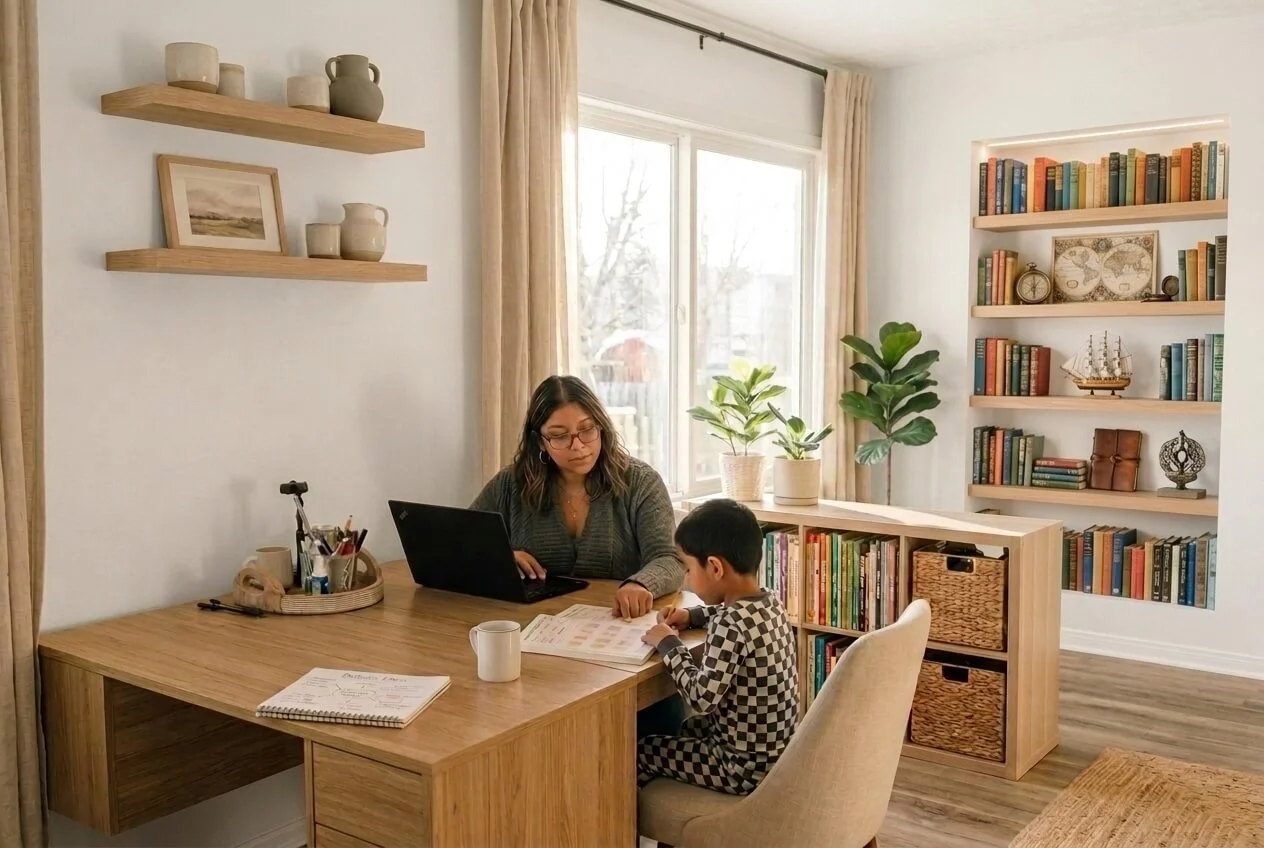
One of the biggest reasons I'm building multiple income streams is because I want to create a business that actually fits into my life.
As a busy homeschool mom, I don't have unlimited hours in the day. I need to be intentional about where I spend my time, and I want the work I'm doing today to continue creating opportunities tomorrow.
That's why Pinterest has become such an important part of my strategy.
Instead of creating content for just one purpose, I'm trying to build a system where everything connects:
My blog gives me a place to share helpful content and generate affiliate income.
Pinterest helps me get that content in front of people who are actively searching for it.
My Spanish worksheets and course give me digital products that can be purchased online.
YouTube gives me another place to share content and build an audience.
My email list allows me to build relationships with people who want to hear from me.
Pinterest services give me another way to earn income from the knowledge I've developed.
I'm Not Trying to Build Everything Overnight
I'm learning as I go, and I'm still figuring out what deserves more of my time and what doesn't.
Some months, certain income streams perform better than others. Some ideas work, while others don't. And that's okay.
My goal isn't to build a perfect business overnight.
My goal is to keep building, keep learning, and create multiple ways for my content and skills to generate income over time.
And Pinterest has become one of the tools helping me connect all of those pieces together.
10. My Monthly Pinterest Traffic Report
One of the things I want to do as I continue building this business is be transparent about my Pinterest growth. I don't just want to tell you that Pinterest works; I want to show you what I'm actually seeing on my own account.
I'm going to use this section as my monthly Pinterest check-in so I can track my progress over time and see how the changes I'm making are affecting my account.
Here are some of the numbers I pay attention to:
Monthly views: How many times my content is being seen on Pinterest.
Engagement: How people are interacting with my Pins.
Outbound clicks: One of the metrics I pay the most attention to because it shows that someone actually left Pinterest to visit my content.
Saves: Saves can give me an idea of which content people find useful or inspiring enough to come back to later.
Top-performing Pins: I look at which Pins are getting the most attention so I can learn from what's working.
Pinterest traffic to my website: I want to know whether Pinterest is actually sending people to my blog and products, not just generating impressions.
Why I'm Tracking These Numbers
For me, Pinterest growth isn't just about seeing a bigger number on my monthly views.
I'm much more interested in whether Pinterest is helping me:
Get people to my blog
Generate affiliate sales
Sell my Spanish worksheets
Introduce people to my Spanish course
Send traffic to my YouTube videos
Grow my overall audience
I'll continue updating these numbers as my business grows because I think it's helpful to see the real process, including the months when things grow quickly and the months when they don't.
I'm still learning what works, and that's part of the journey I'm documenting here.
I'm Still Building, and That's the Point
Building multiple income streams while homeschooling isn't always easy, and I definitely don't have everything figured out. But I've learned that I don't need to have it all figured out to keep moving forward.
Pinterest has become an important part of my business because it allows me to connect the content I'm creating with the different income streams I'm building, from affiliate marketing and digital products to my Spanish course, YouTube channel, and Pinterest services.
The biggest lessons I've learned so far are simple:
Be consistent.
Know who you're creating for.
Use SEO to help people find your content.
Pay attention to what's working.
Don't be afraid to change your strategy.
Give yourself time to grow.
I'm going to continue sharing what I'm learning, what I'm testing, and how my business grows month after month. I'm still in the middle of this journey, and honestly, that's what makes it exciting.
If you're also a busy mom trying to build something of your own, I hope following my journey reminds you that you don't have to build everything overnight. Start where you are, learn as you go, and keep showing up.
And if Pinterest is part of your business strategy, keep experimenting. You never know where that one Pin or one new strategy might lead. 💛
📌 Save this post to Pinterest and follow along as I continue building my multiple income streams.